

AI for Small Business
SimplySync Now Runs Your Events End to End, Inside Your Own Community
August 22, 20264 min

Discover how SimplySync's Social Planner can help small businesses manage and schedule social media posts efficiently across platforms like Facebook and Instagram.
Managing social media for your small business can feel overwhelming, especially when juggling multiple platforms like Facebook and Instagram. With SimplySync's Social Planner, you can take control of your brand's online presence, ensuring consistency and visibility without the stress.
The Social Planner is a powerful tool designed to help you schedule and manage your social media posts efficiently. It allows you to keep your brand active and consistent across platforms, making it easier for your team to follow and execute your social media strategy.
Keeping your social media content visible and organized is crucial for maintaining engagement and growing your audience. The Social Planner helps ensure that your team can easily access and follow your content strategy, reducing confusion and increasing productivity.
This guide is ideal for small business owners who are looking to streamline their social media management. For example, if you're running a seasonal campaign or preparing for a product launch, the Social Planner can help you schedule posts in advance, ensuring your content is published on time and consistently.
Before diving into scheduling posts, you'll need to connect your social media accounts. Here's a simple step-by-step process:
One of the best features of the Social Planner is its library of templates. You can search, browse, and filter available templates to find the perfect one for your brand. Once you've selected a template, you can customize it and schedule it for posting at a later date.
If you're feeling creative, you can also create custom posts from scratch. Simply navigate to the New Post section, enter your post details, and choose how you'd like to handle the post (e.g., post now, schedule for later, or send for approval).
As your business grows, you may want to manage more than one social media platform. The Social Planner makes it easy to connect additional accounts by navigating to the Settings menu and following the prompts to link new accounts.
With SimplySync's Social Planner, you can take the guesswork out of social media management and focus on what matters most—growing your business.
Use these SimplySync resources when you want the next step.
Use these screenshots as a visual reference while you follow the guide. They are included inside the post for context, while the main blog image stays SimplySync-owned category art.
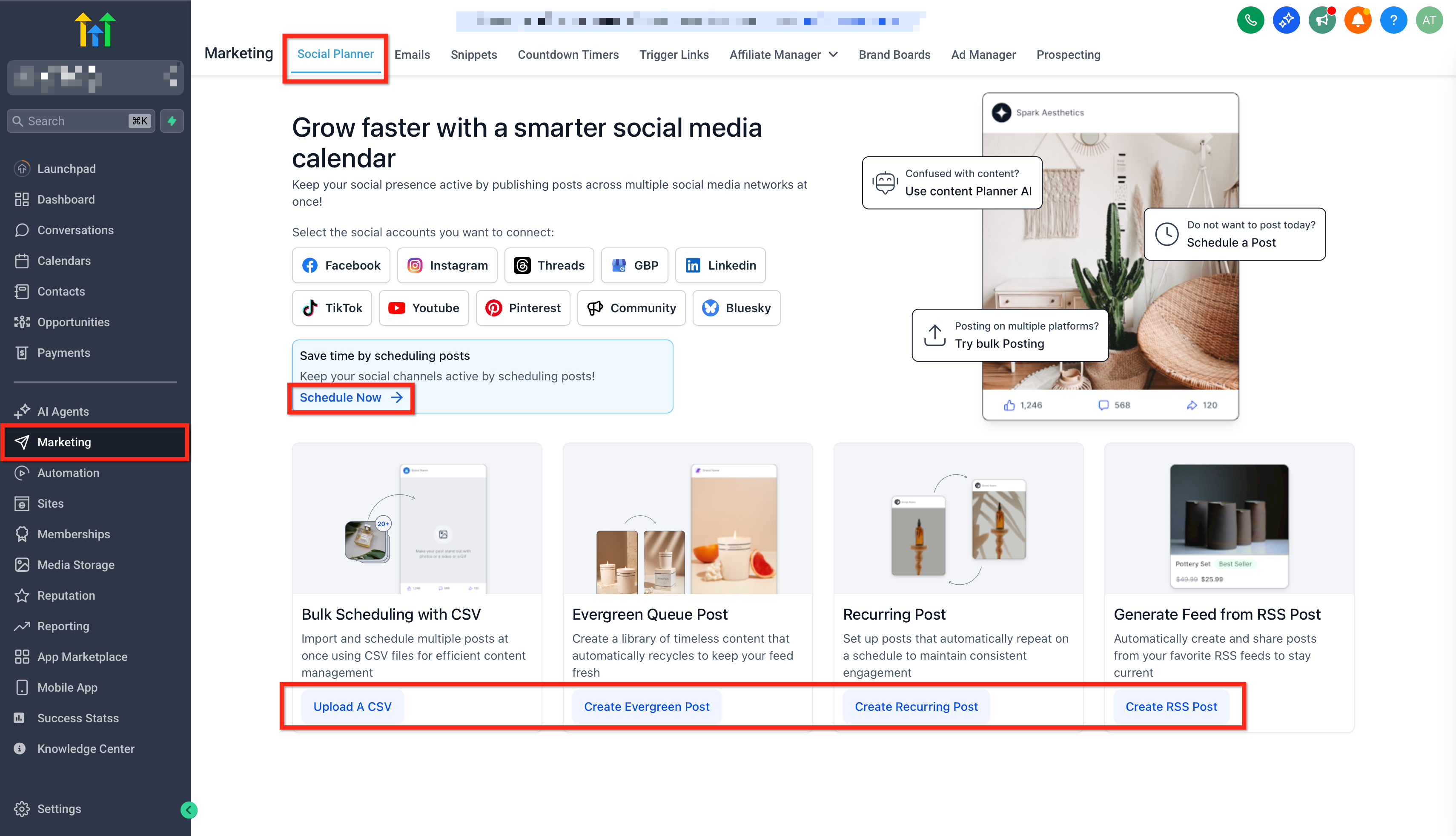
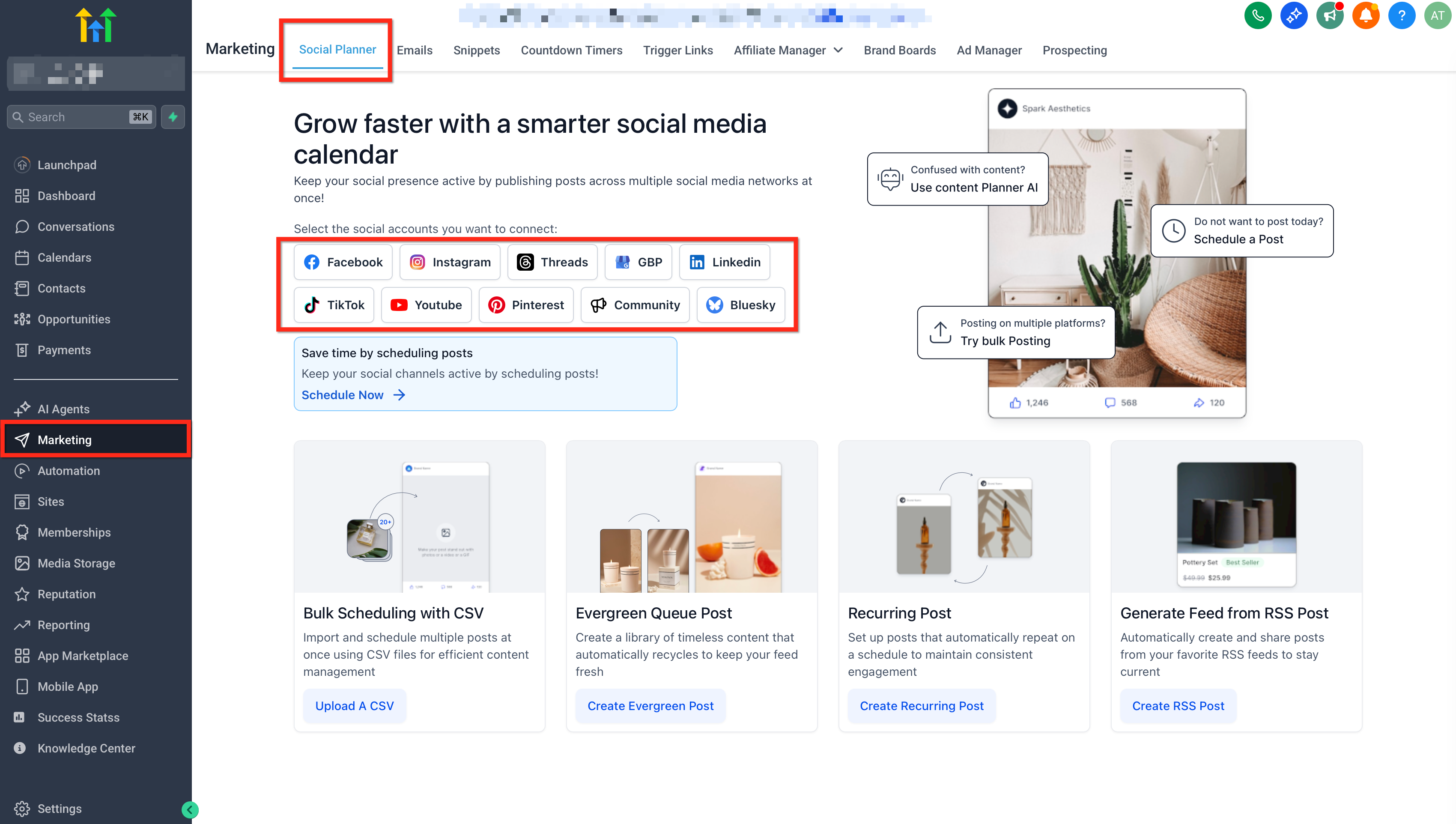
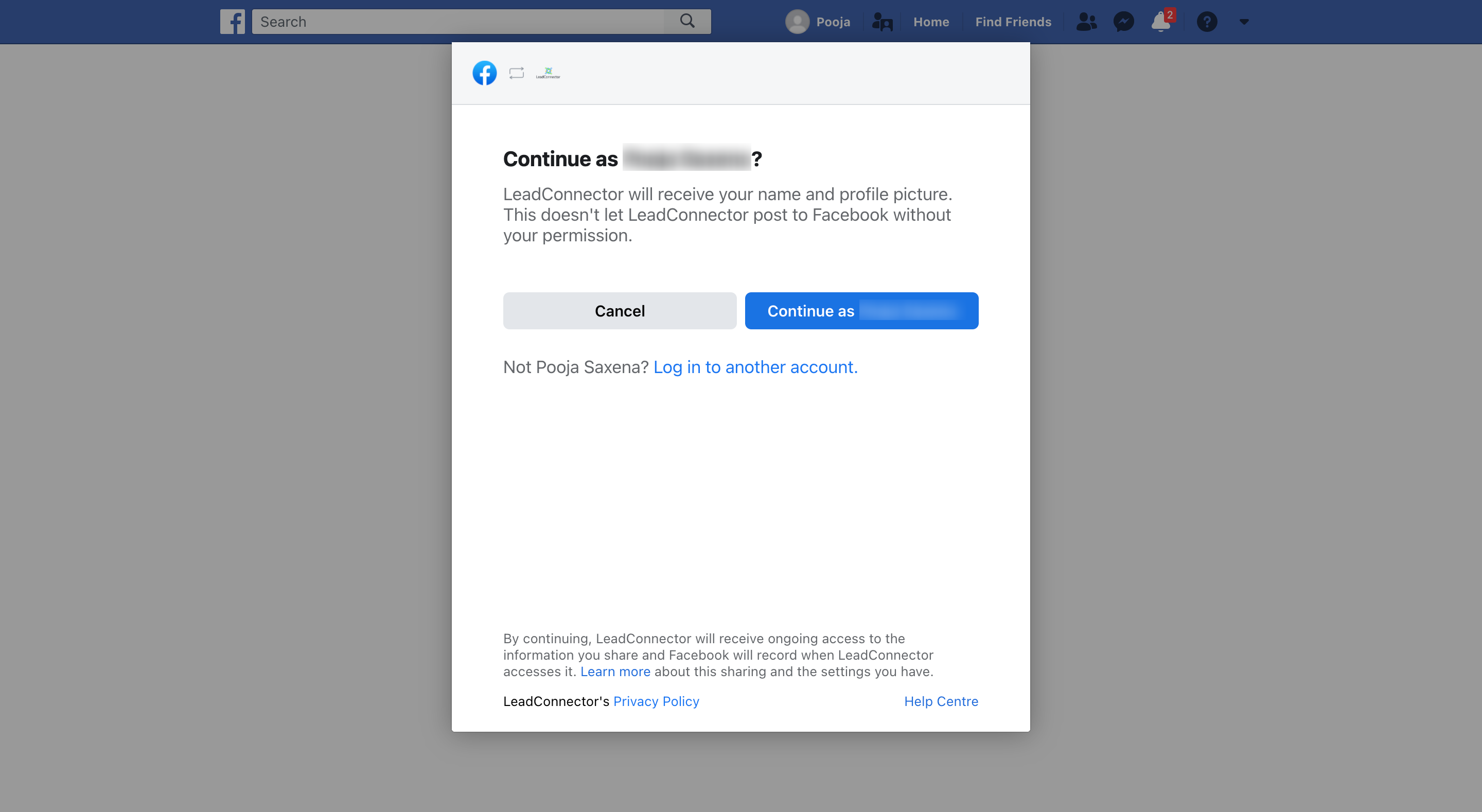
Photo by Anna Shvets on Pexels.
Tagged

Founder of SimplySync AI. Dylan designs, builds, and maintains the AI systems, automations, and websites SimplySync ships for local businesses, and writes or reviews every article here.
Join local business owners getting weekly AI automation tips, case studies, and strategies you can actually use.
No spam. Unsubscribe anytime.
SimplySync connects your website, CRM, and follow-up into one system, with AI that responds to every lead 24/7 and books appointments while you focus on your work.

